Fast, Safe & Hassle-Free Payments
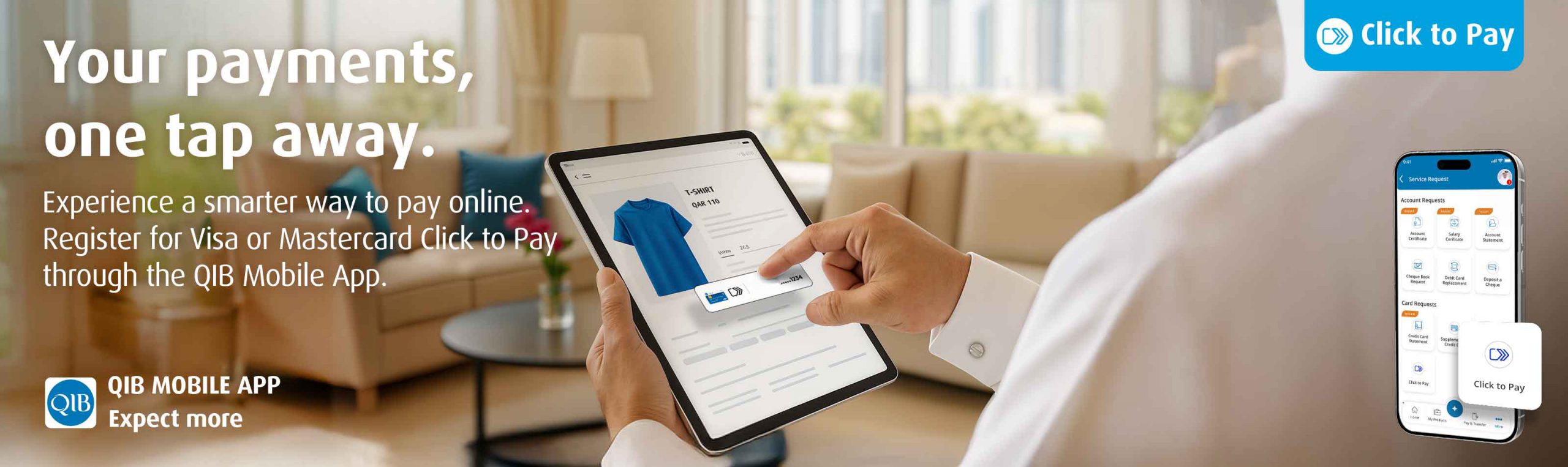
Say hello to a smarter way to pay online with your Visa or Mastercard card. Click to Pay is the secure, convenient solution that lets you check out faster, no need to enter your card details every time.
Easily activate the feature via the QIB Mobile App and enjoy seamless online payments at participating merchants.
Why Use Click to Pay?
- Speed: Checkout in seconds without re-entering your card details
- Simplicity: One-click payments with your Visa or Mastercard card
- Security: Protected by Visa or Mastercard advanced security and authentication technology
- Convenience: Use across a wide range of participating merchants
How to Activate Click to Pay via QIB Mobile App
Getting started is easy:
- Login to QIB Mobile App
- Go to the “Cards” section
- Select your Visa or Mastercard Card
- Tap on “Click to Pay”
- Follow the prompts to complete activation
Once activated, you’re ready to enjoy a simplified checkout experience at all participating online stores.
Activate now and experience the next level of online shopping with QIB and Visa or Mastercard.
Terms and Conditions apply.