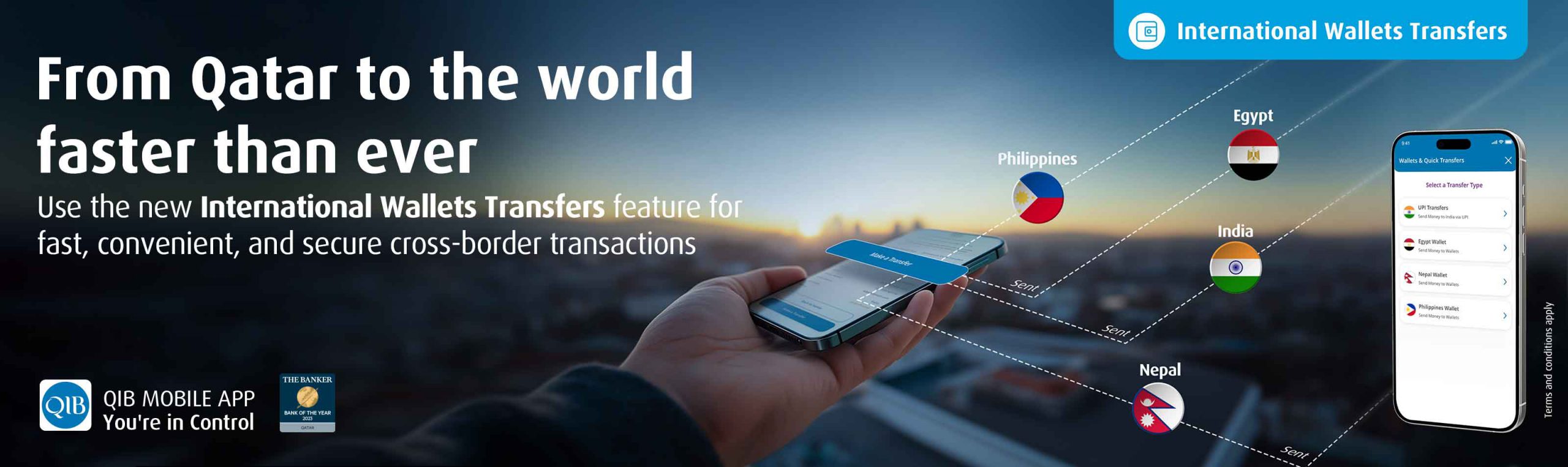
Transfers to 4 countries are enabled for this feature as below, with more to come in the near future.
UPI Transfer to India:
This new feature enables Instant Account to Account transfers to India using UPI ID using the below simple steps.
- Login to QIB Mobile App
- Go to “Make a Transfer” on your dashboard
- Select “International Wallets” then “UPI Transfers”
- Confirm the beneficiary’s details
- Enter your OTP
- Make the transfer
Wallet transfer to Egypt:
This new feature enables instant transfers to any Wallet in Egypt using the Mobile Number linked to that wallet following the below simple steps:
- Login to QIB Mobile App
- Go to “Make a Transfer” on your dashboard
- Select “International Wallets” then “Egypt Wallet”
- Confirm the beneficiary’s details
- Enter your OTP
- Send the money
Wallet Transfer to the Philippines:
This new feature enables instant transfers to any Wallet in the Philippines using the Mobile Number linked to that wallet following the below simple steps:
- Login to QIB Mobile App
- Go to “Make a Transfer” on your dashboard
- Select “International Wallets” then “Philippines Wallet”
- Confirm the beneficiary’s details
- Enter your OTP
- Make the transfer
Wallet Transfer to the Nepal:
This new feature enables instant transfers to any Wallet in the Nepal using the Mobile Number linked to that wallet following the below simple steps:
- Login to QIB Mobile App
- Go to “Make a Transfer” on your dashboard
- Select “International Wallets” then “Nepal Wallet”
- Confirm the beneficiary’s details
- Enter your OTP
- Make the transfer