



QIB Junior is made just for you to help you learn how to save, spend, and earn in a fun and safe way. Whether you’re saving up for something big or getting rewarded for helping your parents at home, it all starts here.
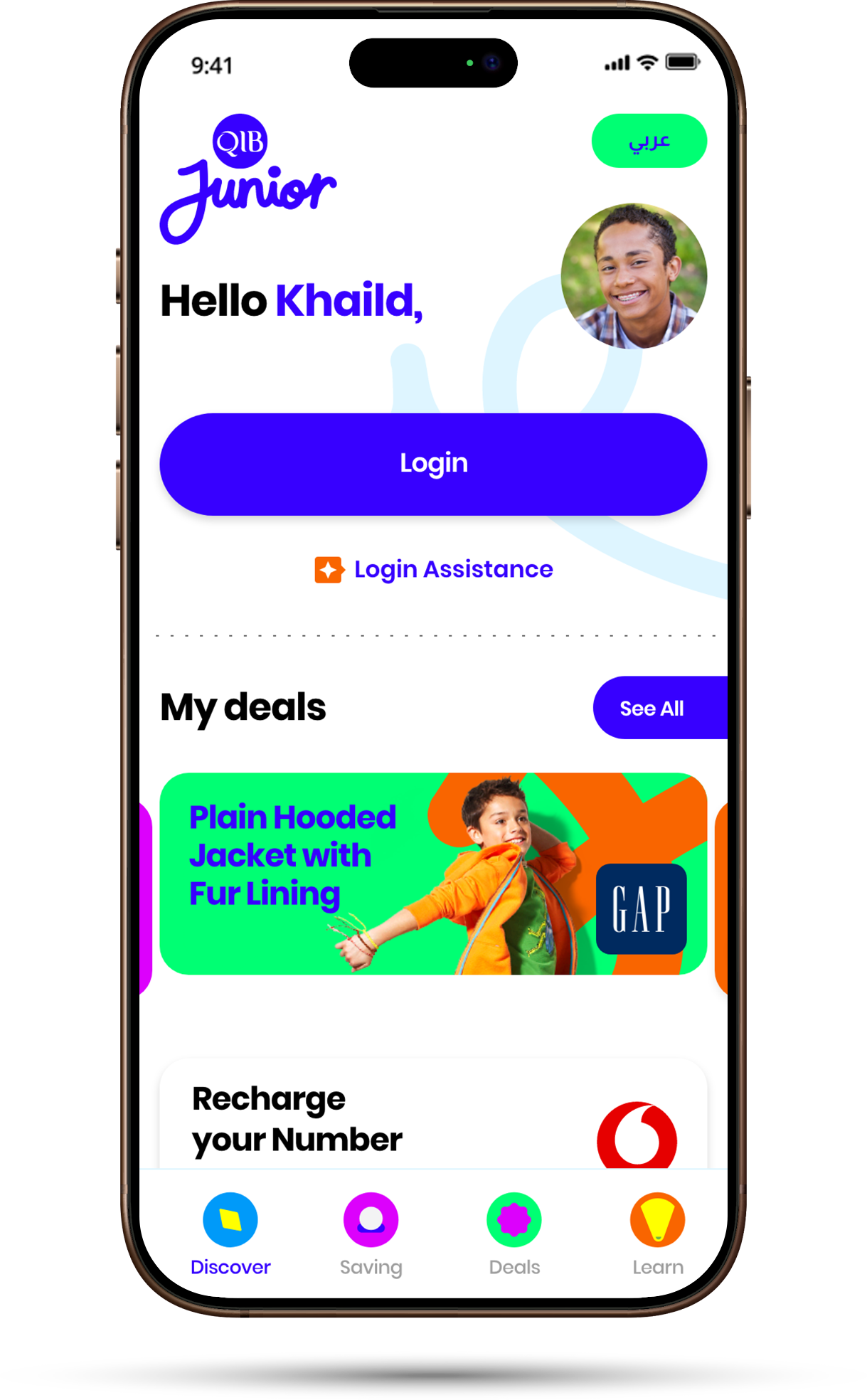
1. Pre-Login
You can do the following through the pre-login
Download the QIB Junior App (from stores)
Register using the QR Code sent to you by your parents
Login using your Face ID or Fingerprint or card pin or check your login assistance
Switch between Arabic and English language
2.Discover
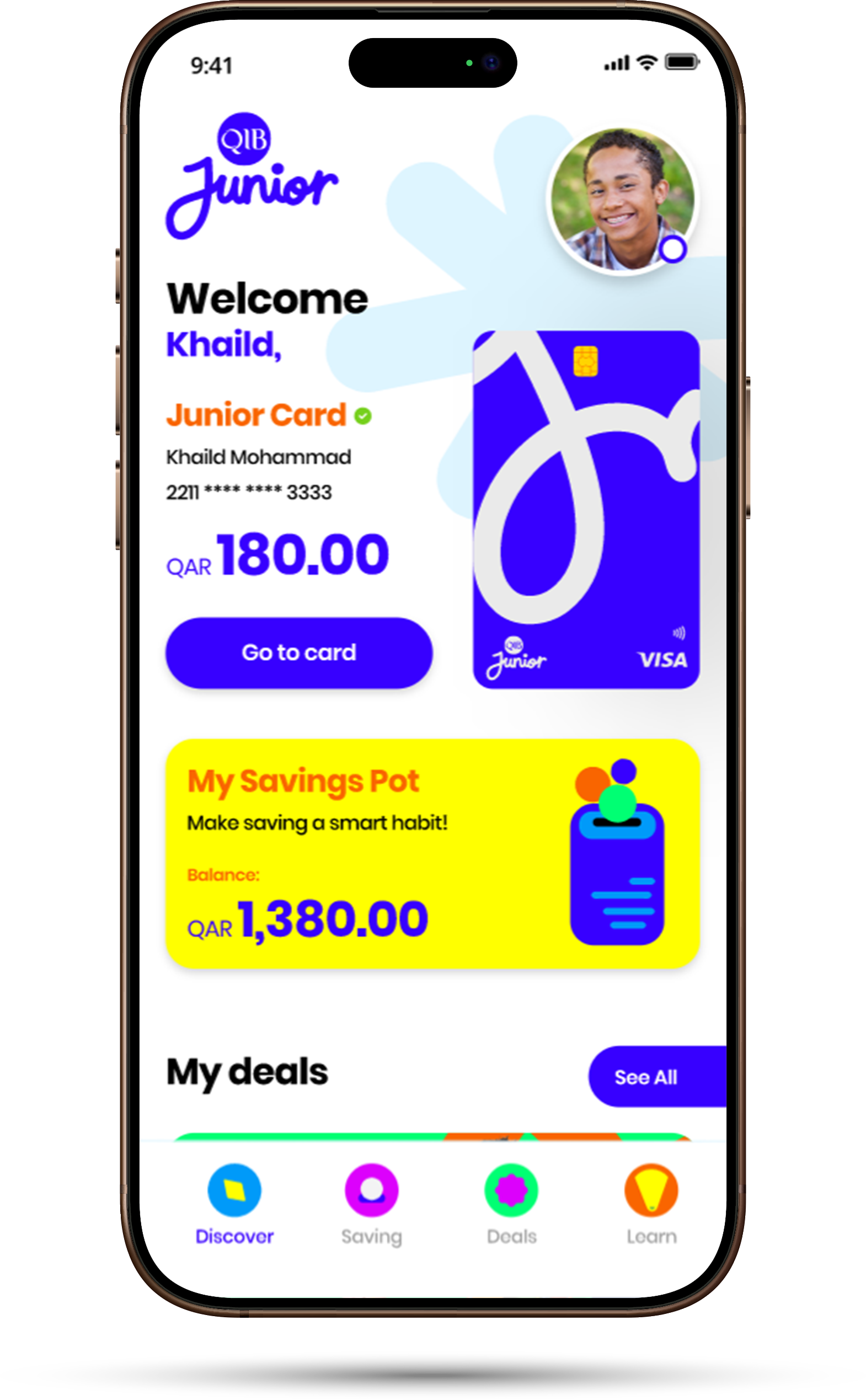
The new QIB Mobile App features a better organized Homepage:
Access your own Junior Prepaid Card and Savings Pot
Access your deals and discount page
Recharge your registered number
Access your App Settings
3. My Junior Card
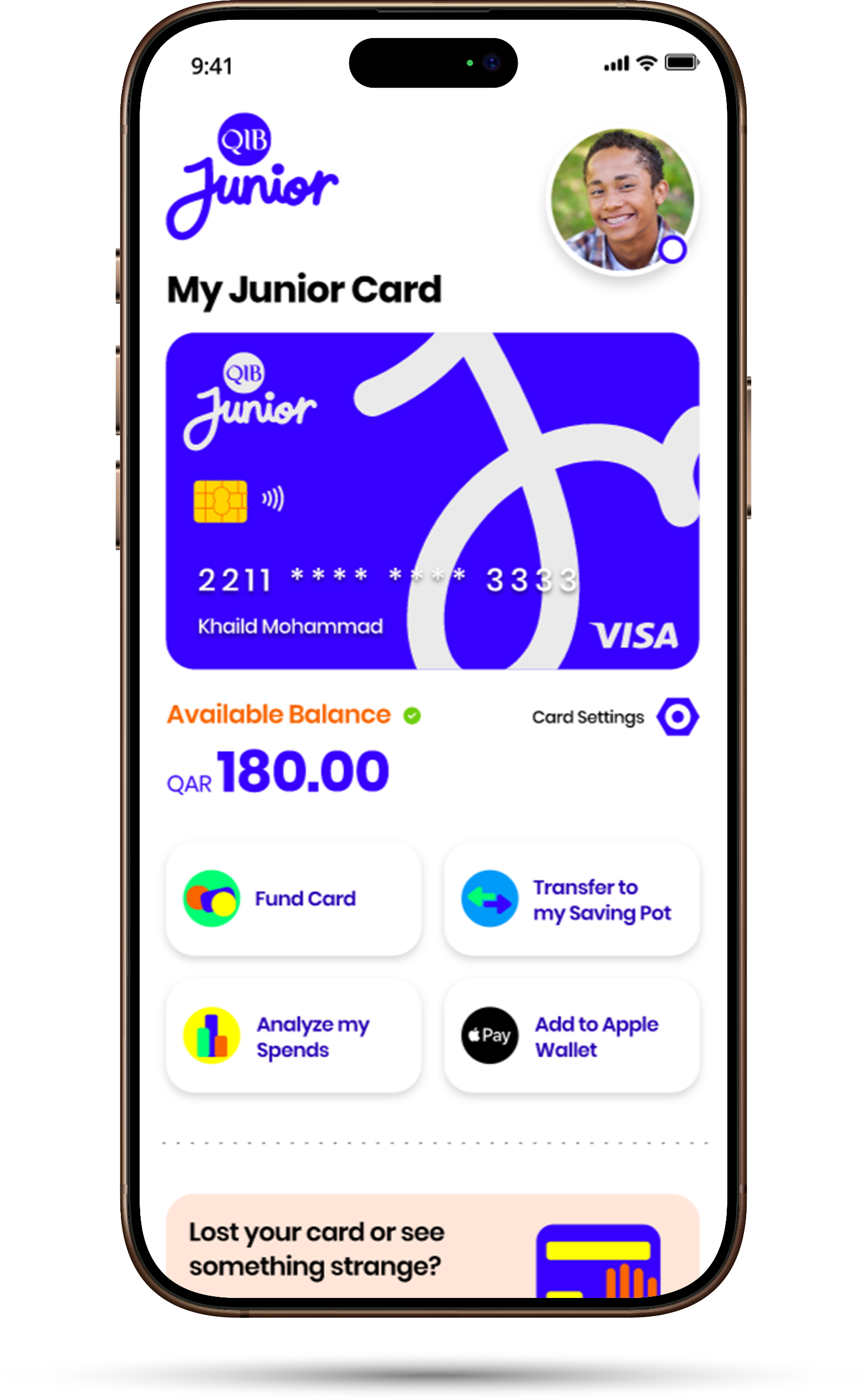
Your very own Visa Prepaid Card to spend safely, online or in stores
Make purchases in stores or online using your Prepaid Card
Link it to Apple Pay, Google Pay, or Samsung Wallet (age restrictions apply)
Analyze your spending directly from the app
Move money from your Saving Pot to your card and vice versa
Stay safe with smart limits set by your parents
Block your card in Card Settings in case of suspicious activity
Cash withdrawals are not allowed from the Prepaid card
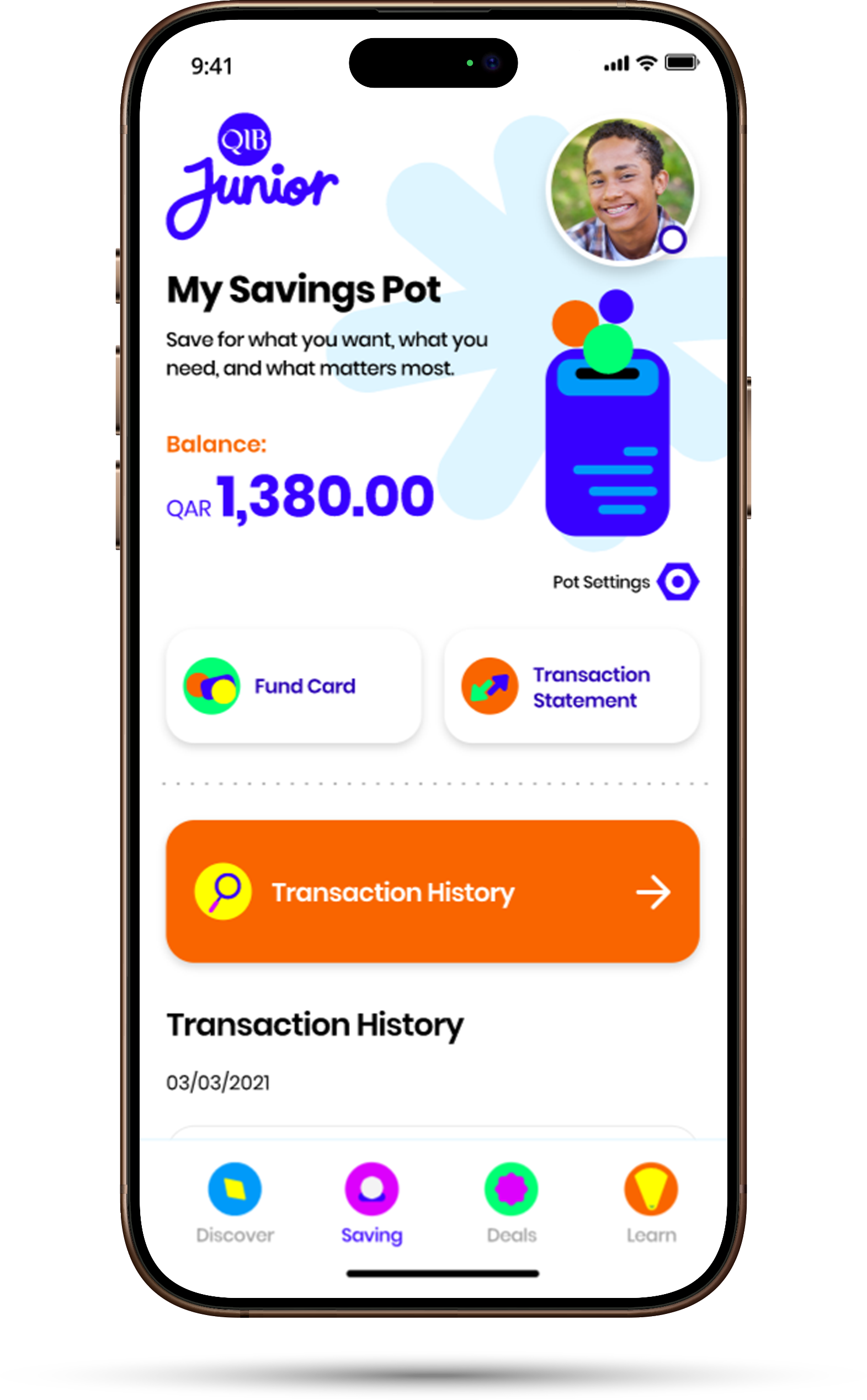
4. Savings Pot
Save for whatever you want with your very own Savings Pot!
See your full balance anytime
Get accurate transaction statements
Select whether to show your parents your Savings Pot or not
Fund your Savings Pot from your card
See your transaction history in a few easy steps
Cash withdrawals are not allowed from the Savings Pot
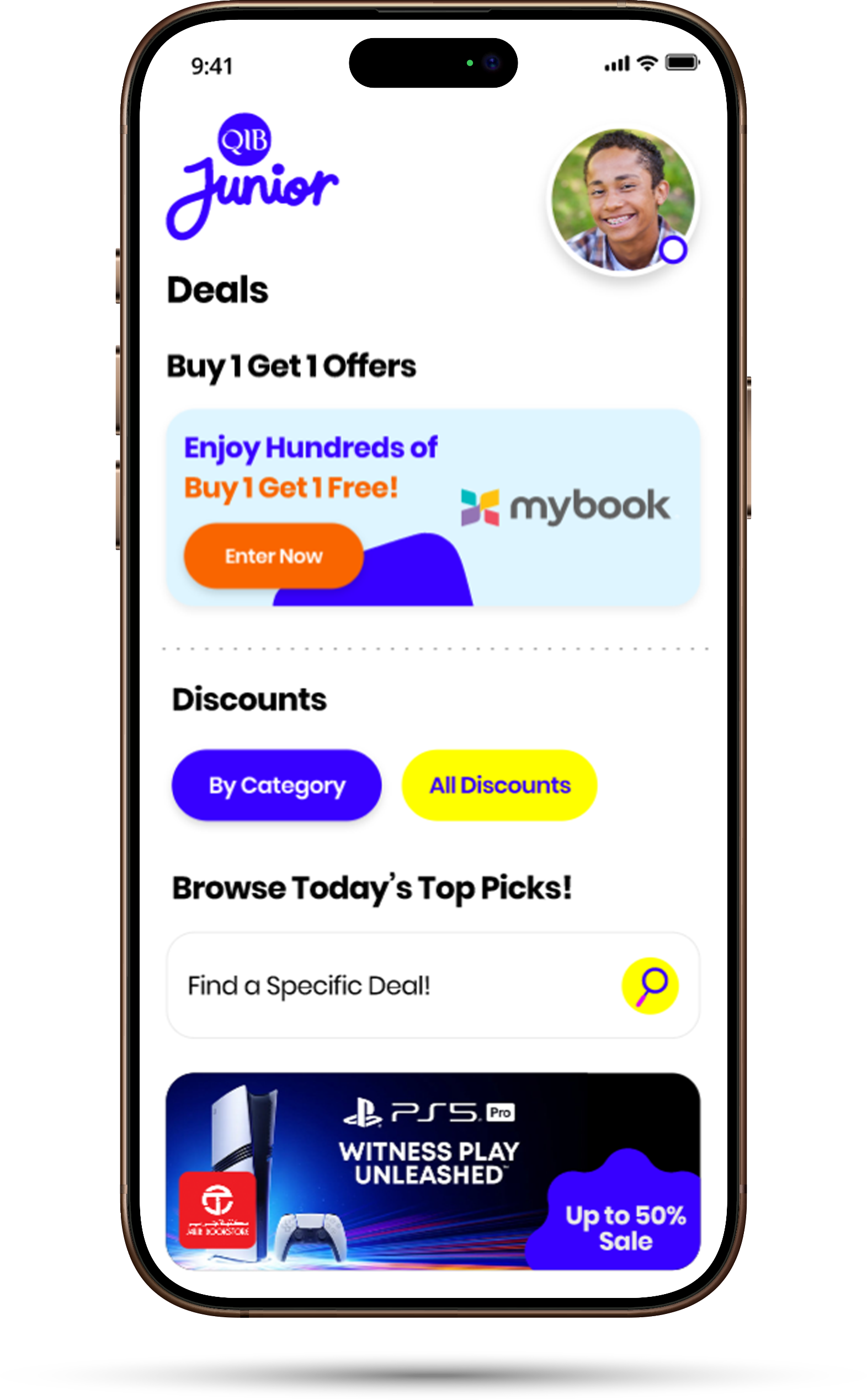
5.Deals
Get more of what you love with exclusive offers made just for you.
Enjoy Buy 1 Get 1 Free deals through the MyBook app
Access special discounts at selected stores and brands
Discover offers tailored for you
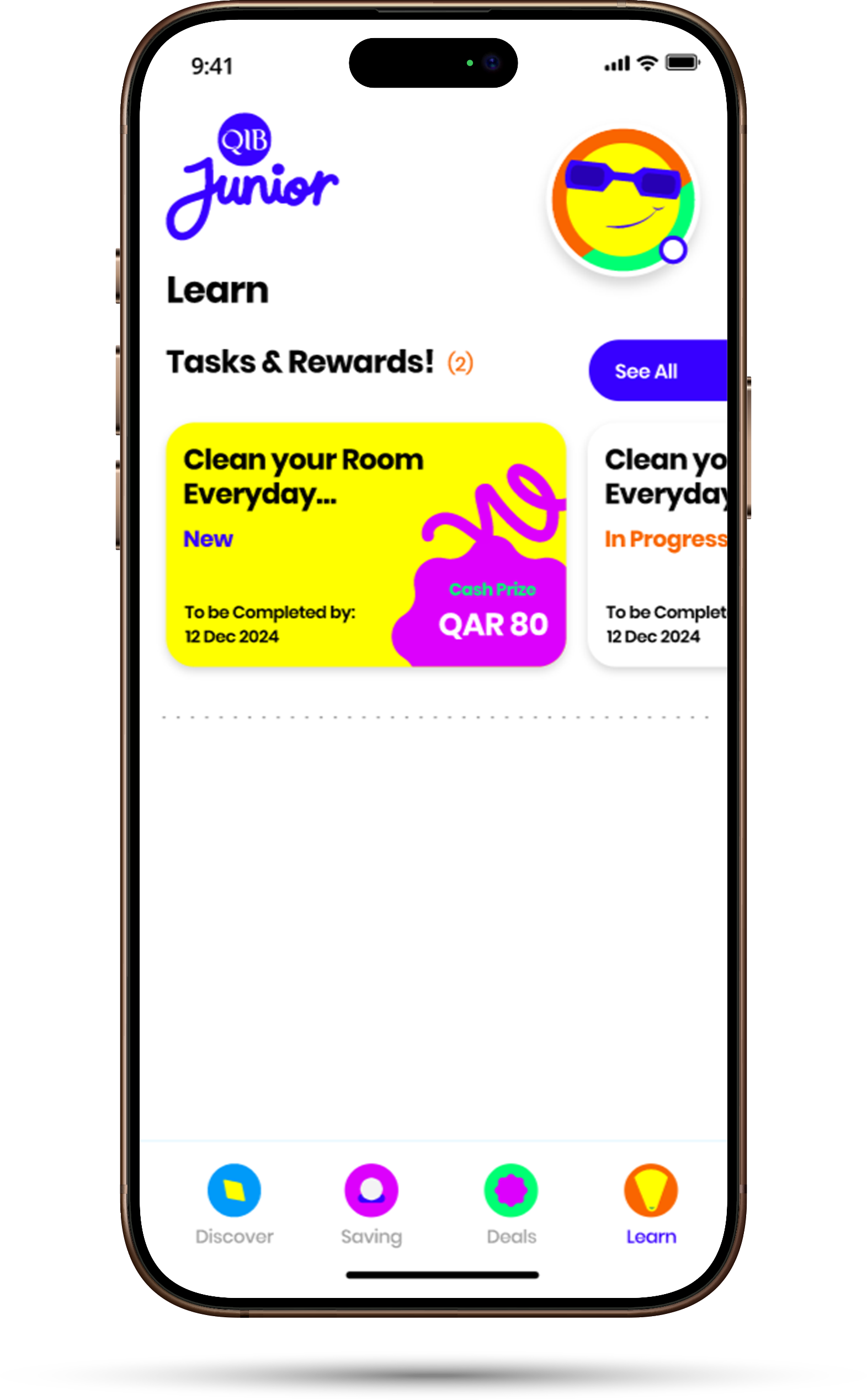
6.Learn
Learn how to save and earn money responsibly
Complete tasks set by your parents (like studying, helping, or community work)
Update your progress in the App and get rewarded when you’re done